All Projects
Intermediate · Case Study

Live Code Editor

Write code. See results. No setup.

A browser-based live code editor supporting HTML, CSS and JavaScript with real-time preview, syntax highlighting, and error detection — no installation required.

JavaScriptHTMLCSSMonaco EditorReal-time Preview
Live DemoGitHub
Live Code Editor

The Problem

What needed solving.

Getting started with web development often means installing VS Code, configuring extensions, and setting up a local server. This is a barrier for beginners and too slow for quick experiments.

The Solution

How I solved it.

A zero-install browser editor that compiles and previews HTML/CSS/JS live as you type. The whole experience loads in under a second.

Features

What it does.

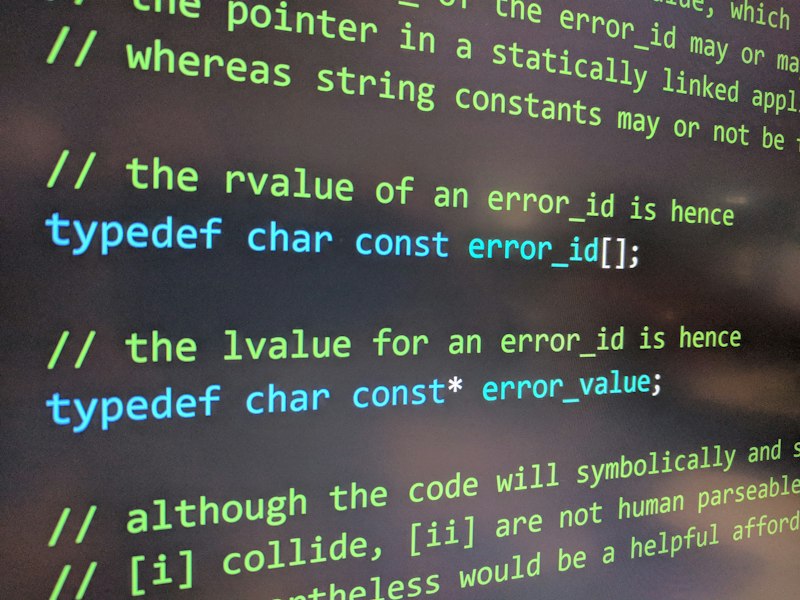
Live Preview

Output panel updates as you type — no save button, no compile step.
Live Preview

Syntax Highlighting

Monaco Editor (same engine as VS Code) for a professional editing experience.

Error Detection

Console errors surface in a dedicated panel so you can debug inline.

System Architecture

How it's built.

EditorMonaco EditorSyntax highlighting, intellisense, multi-pane layout
Previewsandboxed iframeSafe execution of user HTML/CSS/JS in isolation
FrontendJavaScript + CSSLayout, pane resizing, tab management
DeploymentVercelStatic deployment, CDN edge delivery

Technology Stack

Frontend

JavaScriptHTML5CSS3

Library

Monaco Editor

Browser API

Sandboxed iframe

Deployment

Vercel

Challenges & Solutions

Real problems, real fixes.

Challenge

Running user JavaScript in the main window risked crashing the editor.

Solution

Sandboxed the preview inside a cross-origin iframe — user code can't access editor state.

Challenge

Preview flickering on every keystroke was jarring.

Solution

Debounced the compilation step by 300ms so the preview only refreshes after typing pauses.

Demo & Screenshots

See it live.

Live code editor

Three-pane editor with live output

Explore the full source code and documentation.

View on GitHubLive Demo← All Projects